RNS Logo

rns.recipes

◈ 9ce92808be498e9e05590ff27cbfdfe4
NomadNet 1.4.0 released with experimental image support https://pypi.org/project/nomadnet/

Mismatch between my LXMF and identity addresses on the forums

Started by p1ld7a 8279b6a997b08071... ·

p1ld7a 8279b6a997b08071...
edited #1

Hello,

I recently accessed the forum through NomadNet. I followed the authentication procedure and, once authenticated, posted a comment in the following thread:

https://rns.recipes/forum/showcase/columba-v200-beta-pre-release

image.png

As shown in the screenshot, my identity hash, e03fb90b83cbb5e235df58ecf114b442, is displayed instead of my LXMF destination hash, 8279b6a997b08071d2ef7d50d89081ba.

I have not yet found a way to correct this. Do you know what I could do to ensure that my NomadNet user is correctly linked to my current user on the forum ?

I would like to use the forum through NomadNet, but this issue is currently preventing me from doing so properly.

Thank you!
p1ld7a b2e101f8b8d8c776...
#2

@zenith: any news on this issue ?

Zenith
#3

p1ld7a wrote:

@zenith: any news on this issue ?


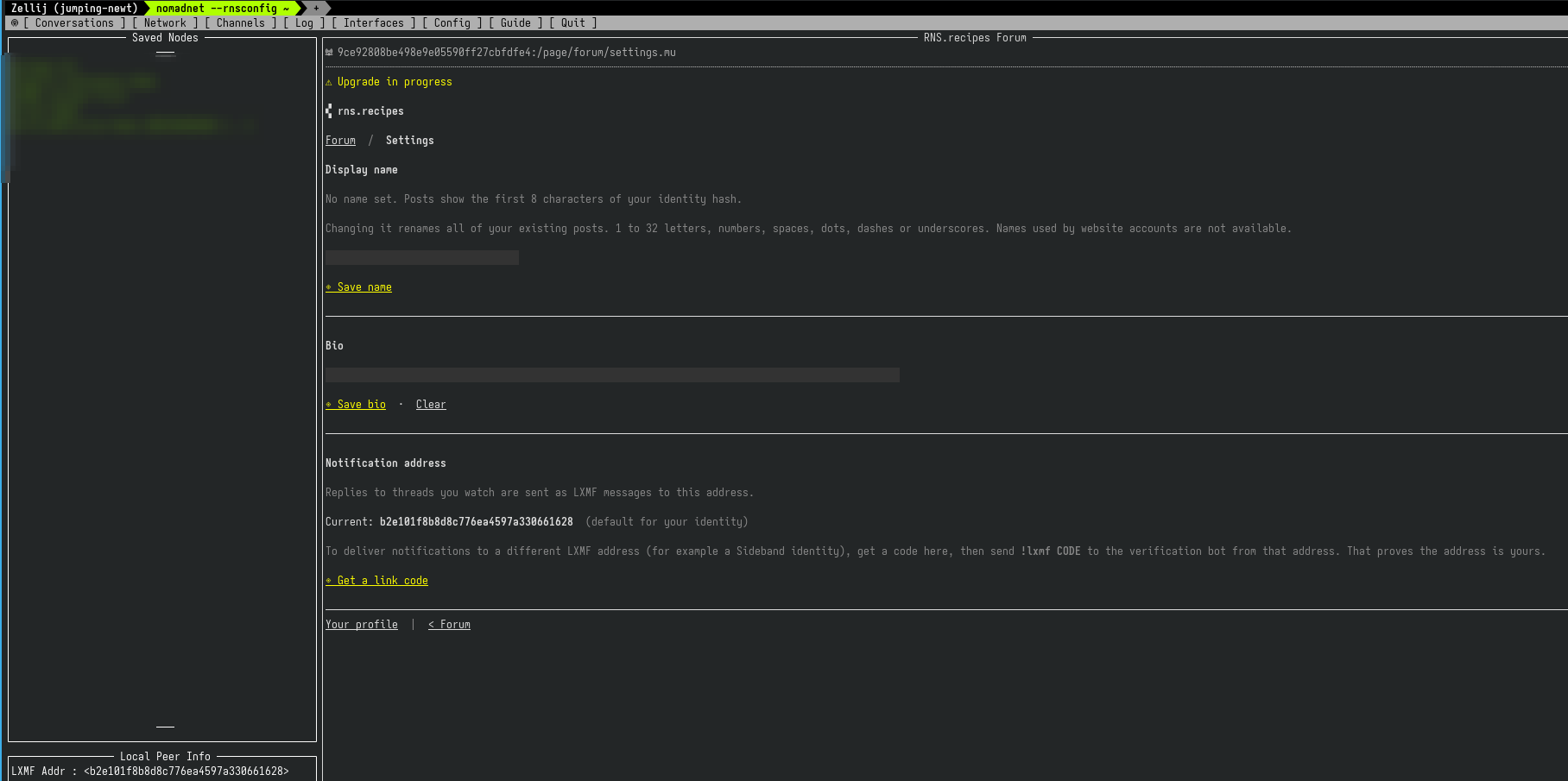
You can now update your linked LXMF address under Settings on the Nomad node. At the bottom click "Get a link code"

p1ld7a b2e101f8b8d8c776...
edited #4

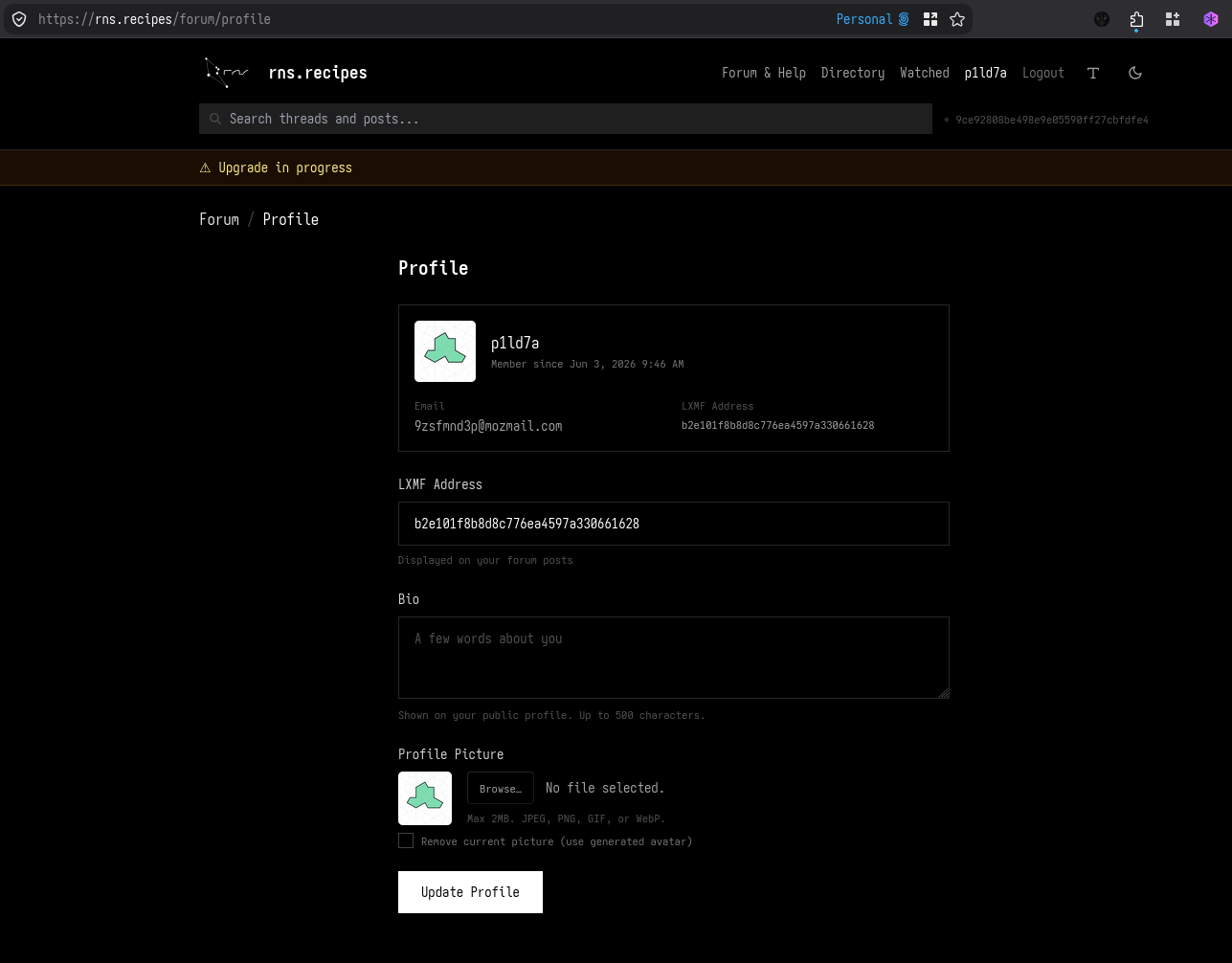
Here's my profile page:


image.png


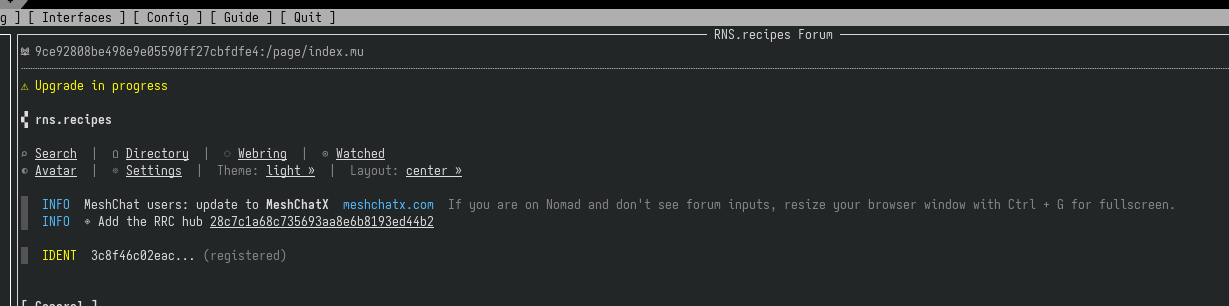
Here's what I have in Nomadnet:


image.png
image.png


I don't really understand why you're telling me to get a link code, can you please let me know what I am supposed to do to link my nomadnet account to my user ?

Zenith
#5

p1ld7a wrote:

Here's my profile page:

[image]

Here's what I have in Nomadnet:

[image]

I don't really understand why you're telling me to get a link code, can you please let me know what I am supposed to do to link my nomadnet account to my user ?


Your LXMF address should now be displayed, the one with b2e.... instead of the identity hash now that yours is linked. There isn't an option to link web accounts to Nomad idents yet but I can add that down the road

Zenith
#6

It shows your ident on the home page after you identify to the node. But to the right of posts now it will show the LXMF aspect

p1ld7a b2e101f8b8d8c776...
#7

Should I create another user ? I basically would like to use my account p1ld7a on Nomadnet as well :)

p1ld7a b2e101f8b8d8c776...
#8

Zenith wrote:

It shows your ident on the home page after you identify to the node. But to the right of posts now it will show the LXMF aspect


Yes, then, what am I supposed to do to fix this ?

Zenith
#9

p1ld7a wrote:

Zenith wrote:

It shows your ident on the home page after you identify to the node. But to the right of posts now it will show the LXMF aspect

Yes, then, what am I supposed to do to fix this ?


I'm not quite sure what you mean, sorry. There is nothing you have to do, it should show up in place of your identity.

3c8f46c0 b2e101f8b8d8c776...
#10

Testing from Nomadnet !

p1ld7a b2e101f8b8d8c776...
#11

Another test from Nomadnet

Zenith
#12

p1ld7a wrote:

Another test from Nomadnet


hmm, let me see what's going on. It should just be displaying your LXMF address.

3c8f46c0 b2e101f8b8d8c776...
#13

@zenith Can you link this account to p1ld7a ?

Zenith Admin
#14

3c8f46c0 wrote:

@zenith Can you link this account to p1ld7a ?


Yes. If you want to change your name you can change it under Settings on the node. You just can't take an existing name, so I'd add something like p1ld7a_NN or similar.

Zenith Admin
#15

Found the issue, fixed now.

Post a Reply

Supports Markdown: **bold**, *italic*, `code`, ```code blocks```, [links](url)

Log in to upload images

Quote
Copied to clipboard